
Easy Tips for Organizing Files on Your Computer
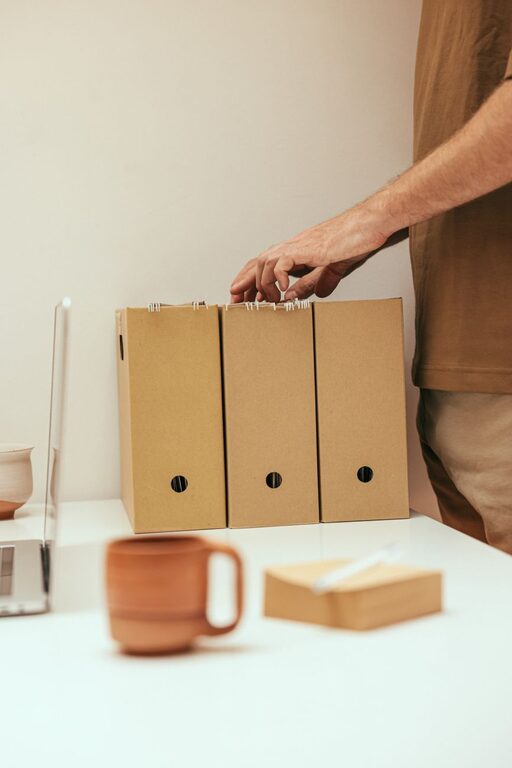
Keeping files organized on your computer can save you time, reduce stress, and improve productivity. Whether you use your computer for work, school, or personal projects, a clean and well-structured digital filing system helps you quickly find what you need and keeps your data safe. In this post, we’ll explore simple and effective strategies to organize your files and maintain order over time.
Why Organizing Files Matters
An organized file system prevents frustration caused by losing important documents or spending excessive time searching for files. It also helps keep your computer running smoothly by making backups easier and reducing clutter that can slow down performance. Ultimately, a tidy digital workspace supports better focus and efficiency.
Step 1: Create a Clear Folder Structure
Start by designing a folder hierarchy that reflects how you use your files. Use broad categories and then narrow them down into more specific subfolders.
Tips for effective folders:
– Use main folders for big categories like Work, Personal, or School.
– Inside these, create subfolders for projects, clients, or topics.
– Choose clear and consistent folder names.
– Avoid creating too many layers; aim for simplicity.
For example:
“`
Work
├── Project_A
├── Project_B
Personal
├── Photos
├── Receipts
School
├── Assignments
├── Notes
“`
Step 2: Name Files Consistently
File names should be descriptive and uniform so you can identify the content without opening the file.
Tips for naming files:
– Include dates in the format YYYY-MM-DD for easy sorting.
– Use keywords related to the content.
– Avoid spaces and special characters; use underscores or dashes instead.
– Add version numbers if you save multiple edits (e.g., “Report_v2”).
Example:
`2023-06-15_Meeting_Notes_ClientX.docx`
Step 3: Use Tags and Metadata Where Possible
Some operating systems allow you to tag files with keywords or add comments. This can be a helpful way to group files across different folders without moving them.
How to use tags:
– Assign tags like “urgent,” “review,” or “final” to prioritize files.
– Use color coding where available.
– Combine tags with your folder system for better organization.
Step 4: Regularly Clean Up and Archive
Over time, old or unneeded files accumulate and make your system cluttered. Plan periodic cleanups to delete unnecessary files and archive completed projects.
Cleanup routine:
– Set a calendar reminder every few months.
– Delete duplicates and outdated files.
– Move finished projects to an “Archive” folder.
– Consider using external drives or cloud storage for archived data.
Step 5: Back Up Your Files Frequently
Organizing is only effective if your files are safe. Regular backups protect against data loss from hardware failure or accidental deletion.
Backup tips:
– Use cloud services like Google Drive, Dropbox, or OneDrive.
– Keep a physical backup on an external hard drive.
– Automate backups when possible to avoid forgetting.
– Test your backups occasionally to ensure files can be restored.
Step 6: Utilize Search and Shortcut Tools
Take advantage of built-in search features on your computer to find files quickly. Creating shortcuts to frequently used folders or files can also save time.
How to make the most of these tools:
– Use specific keywords during searches.
– Customize search settings to look inside documents.
– Place shortcuts on your desktop or taskbar for quick access.
Bonus Tips for Digital File Management
– Limit downloads and desktop clutter: Keep only essential files on your desktop.
– Use cloud storage wisely: Sync only important folders to avoid data overload.
– Organize emails: Treat email inbox like a file system with folders and labels.
– Keep software updated: Updates often improve file management and security features.
Conclusion
Organizing your computer files doesn’t have to be overwhelming. By creating a clear folder structure, naming files consistently, using tags, cleaning up regularly, backing up your data, and using helpful tools, you can maintain a neat and efficient digital workspace. Start with small steps, and you’ll soon notice how much easier it is to find what you need and stay productive.
—
With a little attention and the right habits, file organization can become a simple part of your routine rather than a chore. Give these tips a try today and enjoy the benefits of a more orderly computer!